Qastor
A multi-platform desktop application to create testing suites and collect evidence such as screenshots and debug logs
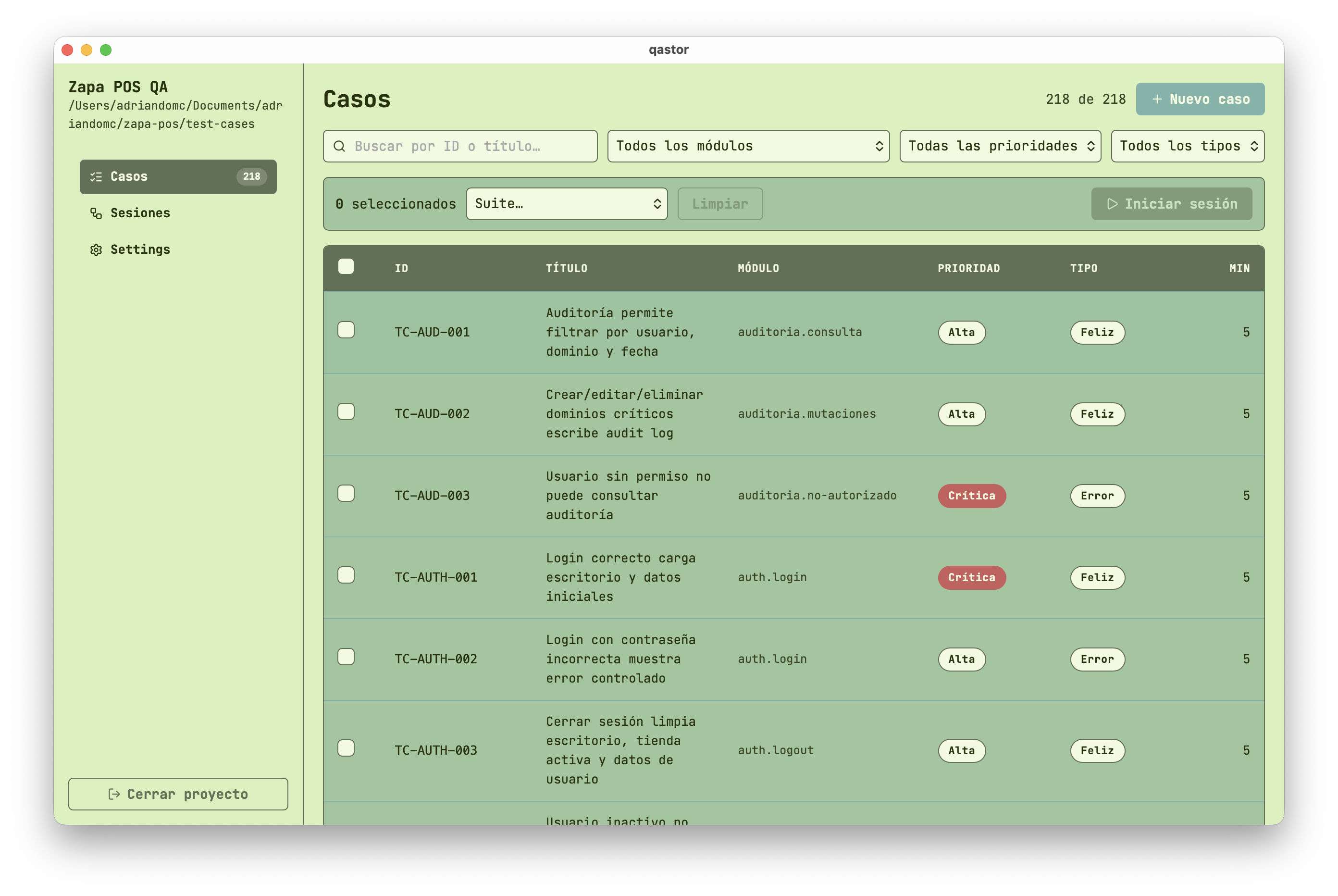
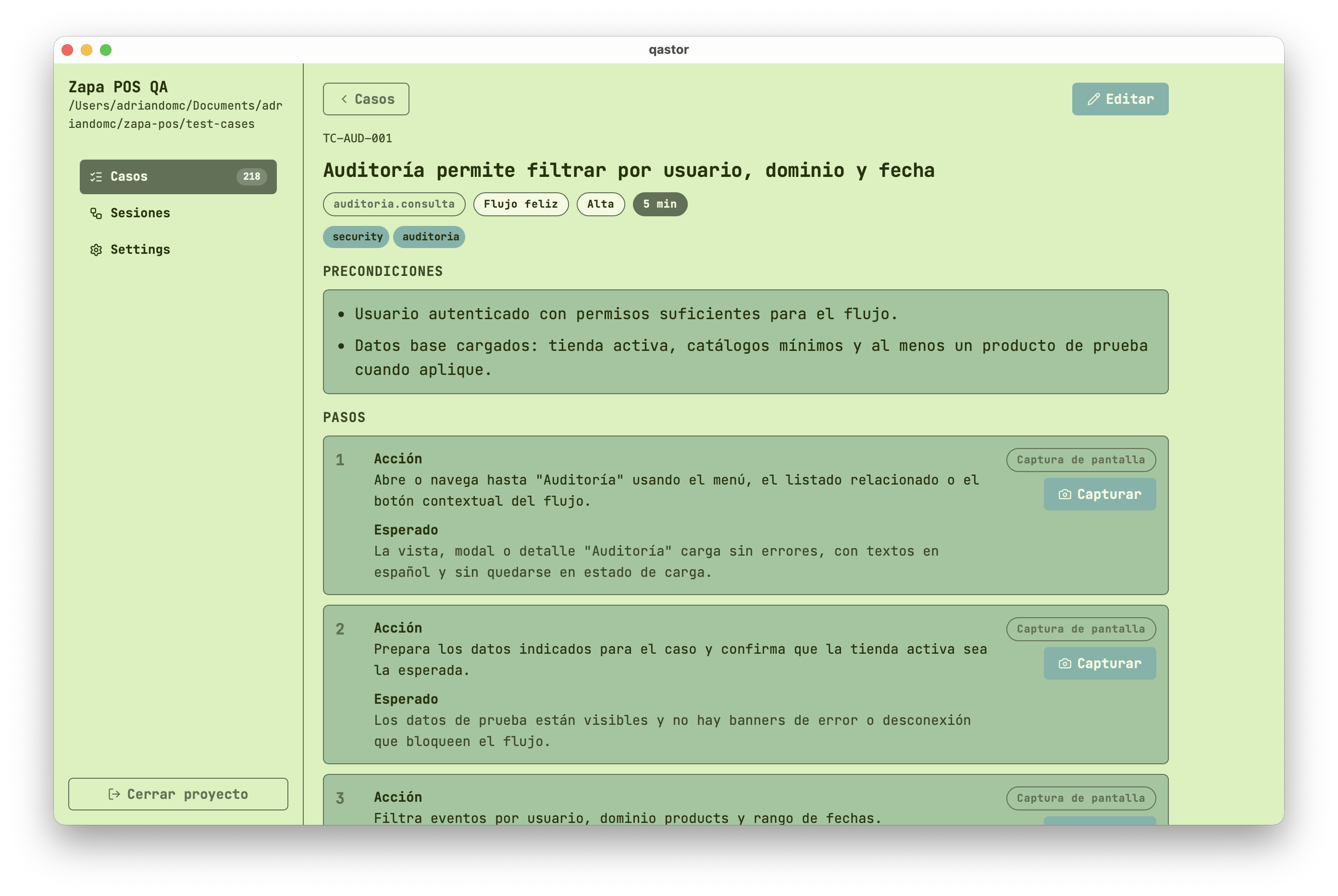
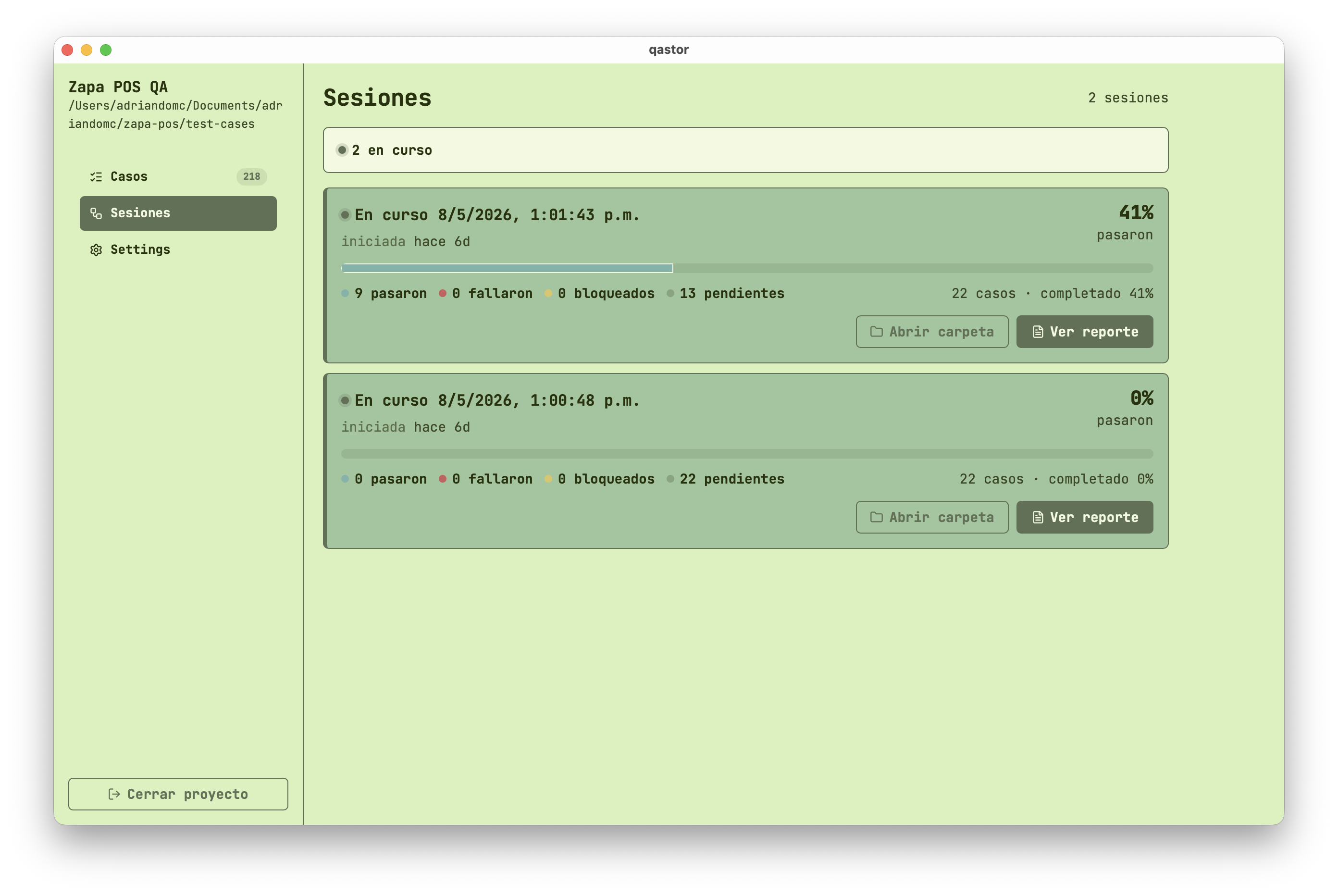
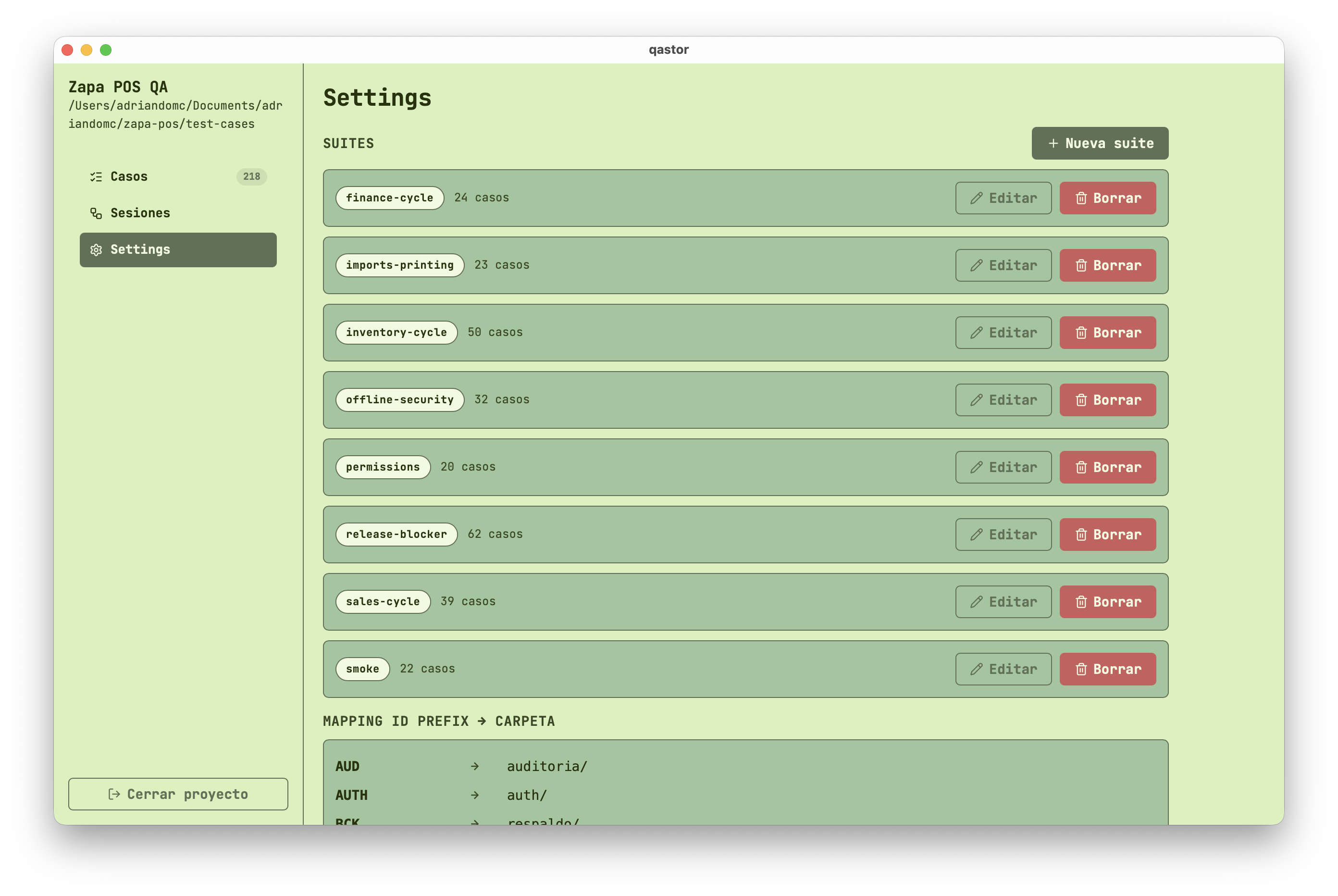
Qastor images
Why does this exist?
Qastor was born out of the necessity to create a self-contained, fast and customizable solution to create manual test cases for Quality Assurance. While there is specialized software for this purpose, I wanted to create a tool I could customize to its fully extent. I haven’t yet scratched the surface for what it can potentially do, and that’s one of the reasons for this to exist and be open-sourced to everyone.
Currently, it features the following:
- Create test cases directly from its UI
- Automatize test creation with only one reference file for AI Agents
- Create testing sessions to launch test cases and capture evidence with just a few keystrokes
- Keep track of the evidence and sessions history
Try it out
You can install it from a readily available binary from the Releases page of this project’s repo: https://github.com/adriandomc/qastor/releases
Or you can build it from source (which is the recommended way, as Qastor is still in development) following these steps:
Pre-requisites
You need to have Rust, Deno and Node.js installed on your machine. You can follow the README guide for further information.
Building from source
git clone https://github.com/adriandomc/qastor.git
cd qastor
deno install
deno task build tauri