For a long time I’ve been wanting to have a functional and active blog, to share things that may be useful for other people or just for the sake of expressing myself out. While I was in the process of designing this portfolio website, I was thinking of a straightforward way to create blog posts from my mobile devices.
My first thought was using some kind of admin dashboard, similar to a CMS (Content Management System), where I could manage posts creation, but this solution would imply being connected or at least connecting through the web browser to commit changes. Also, in order to keep the website updated, it needs the changes to be pushed through Github, that’s the way the build process is triggered on Coolify.
The obvious solution ended up being using a mobile app, in this case an iOS app. I explored some editor apps in the App Store, but there are very few that support Git/Github integration, which in my opinion didn’t meet my workflow criteria. That’s why I decided to build Dinoblogger.
Gathering the resources
Having very little experience with iOS development, except for some exposition to React Native, I extensively used Gen-AI models to aid with this endeavour. For this purpose, I used Gemini to research and design the implementation of this app and Github Copilot was the AI agent with which I developed the source code.
For the interface SwiftUI was used, getting that glassy look introduced in iOS 26. Regarding the text editor, the first iteration used a simple TextView component, though it ended up being replaced with Runestone, a fantastic package that comes with syntax highlighting, tree-sitter, theme customization and more features. The angular stone of this project is the Git integration, which was made possible thanks to SwiftGit2, allowing me to fetch and push changes to my remote repos hosted in Github.
What it can (currently) do
The workflow is pretty simple yet very specific for my use case. It all starts with cloning a new repository, if it is private then it requires a Personal Access Token (PAT). Once the repository is cloned, the app will show the files that reside within it, allowing to open and edit files. Then the user is able to commit and push changes to the remote repository.
In my case, doing this whole workflow, allows me to effectively trigger a new deployment of my website on Coolify. That way, I can create and edit blog posts from the comfort of my iPhone. Below there are some screenshots of the app in action.
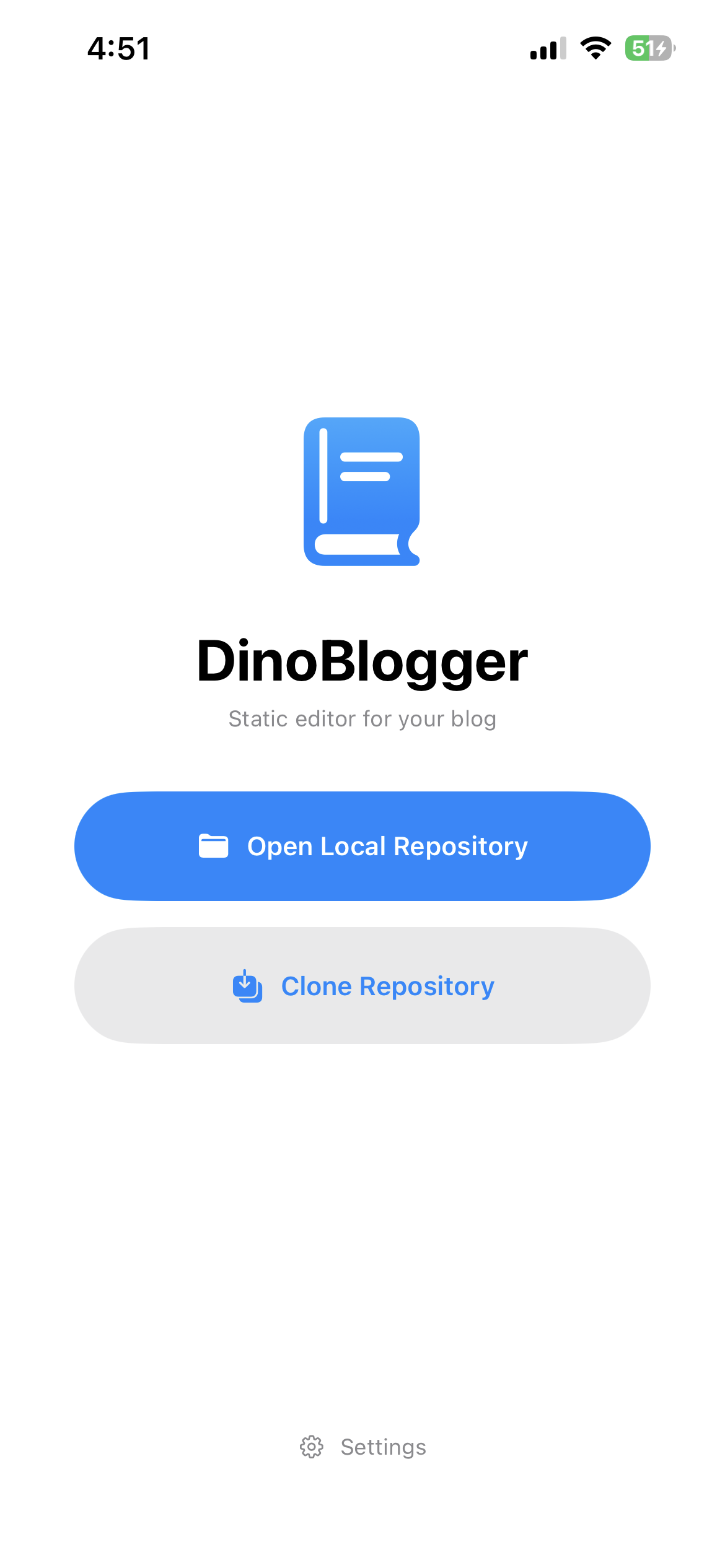
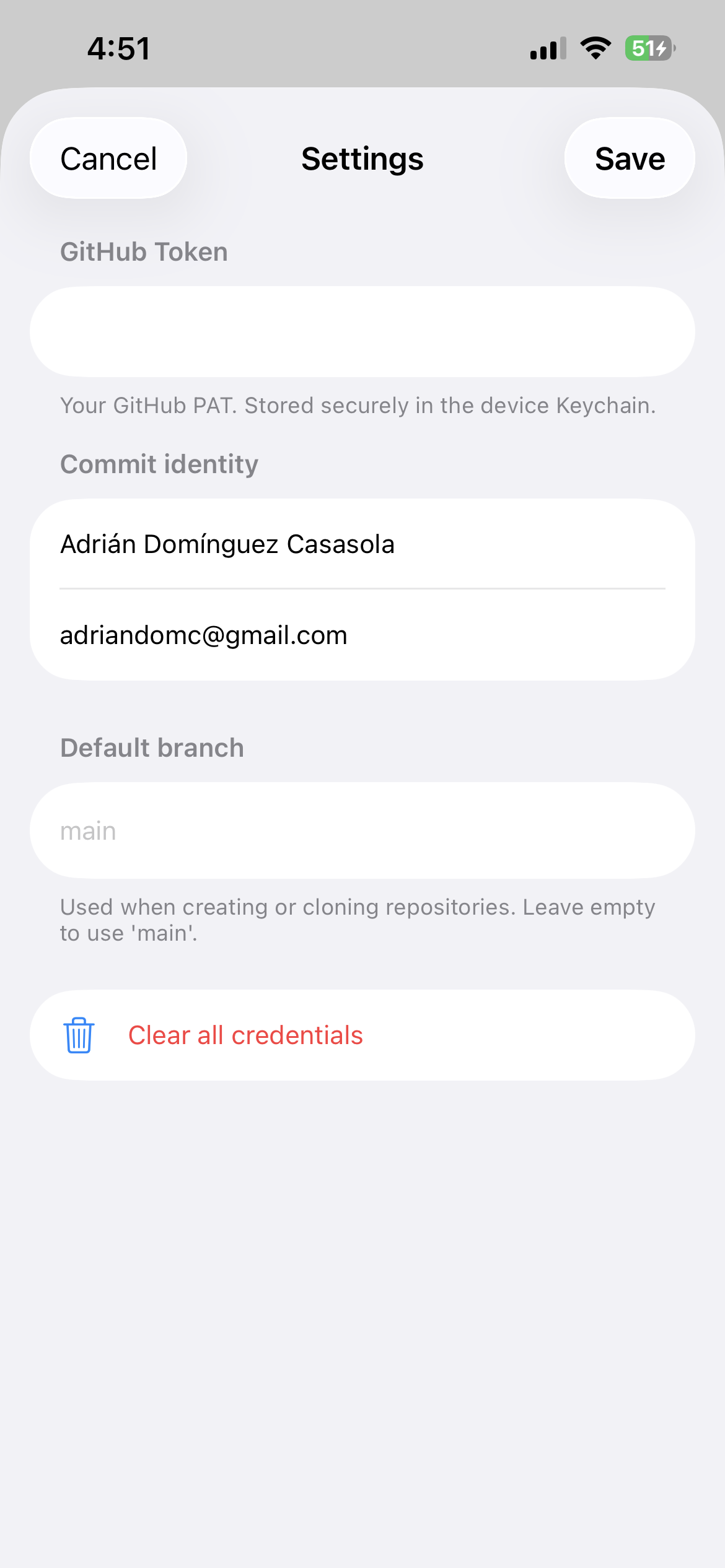
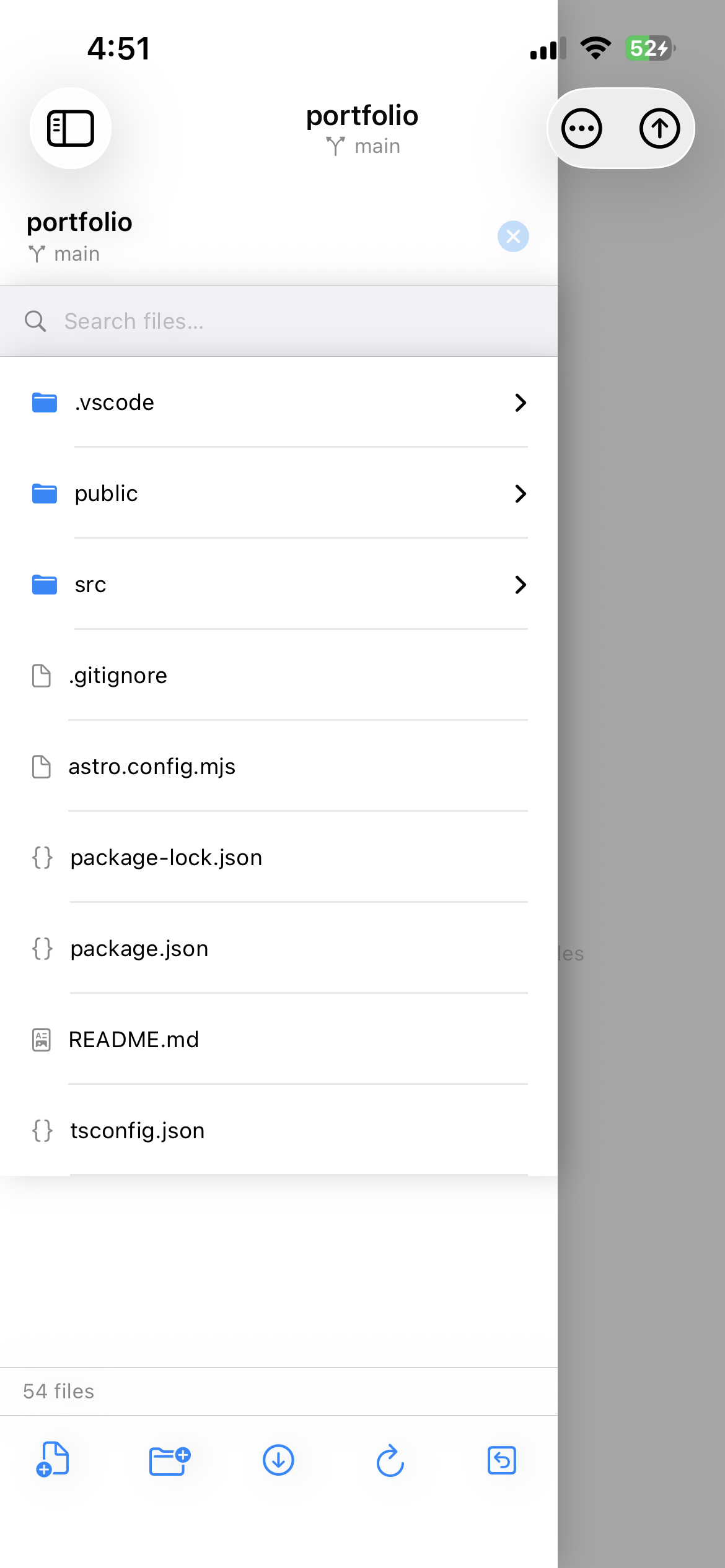
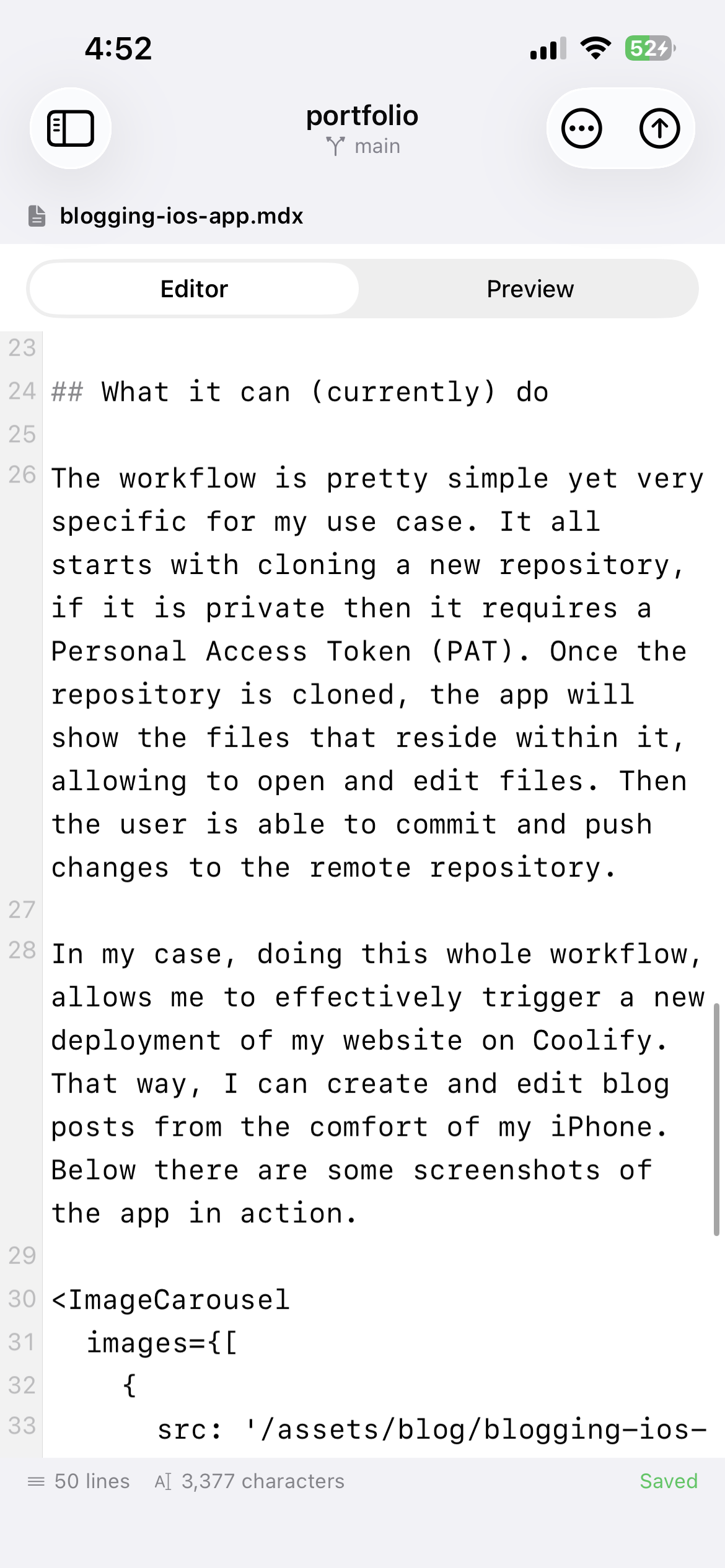
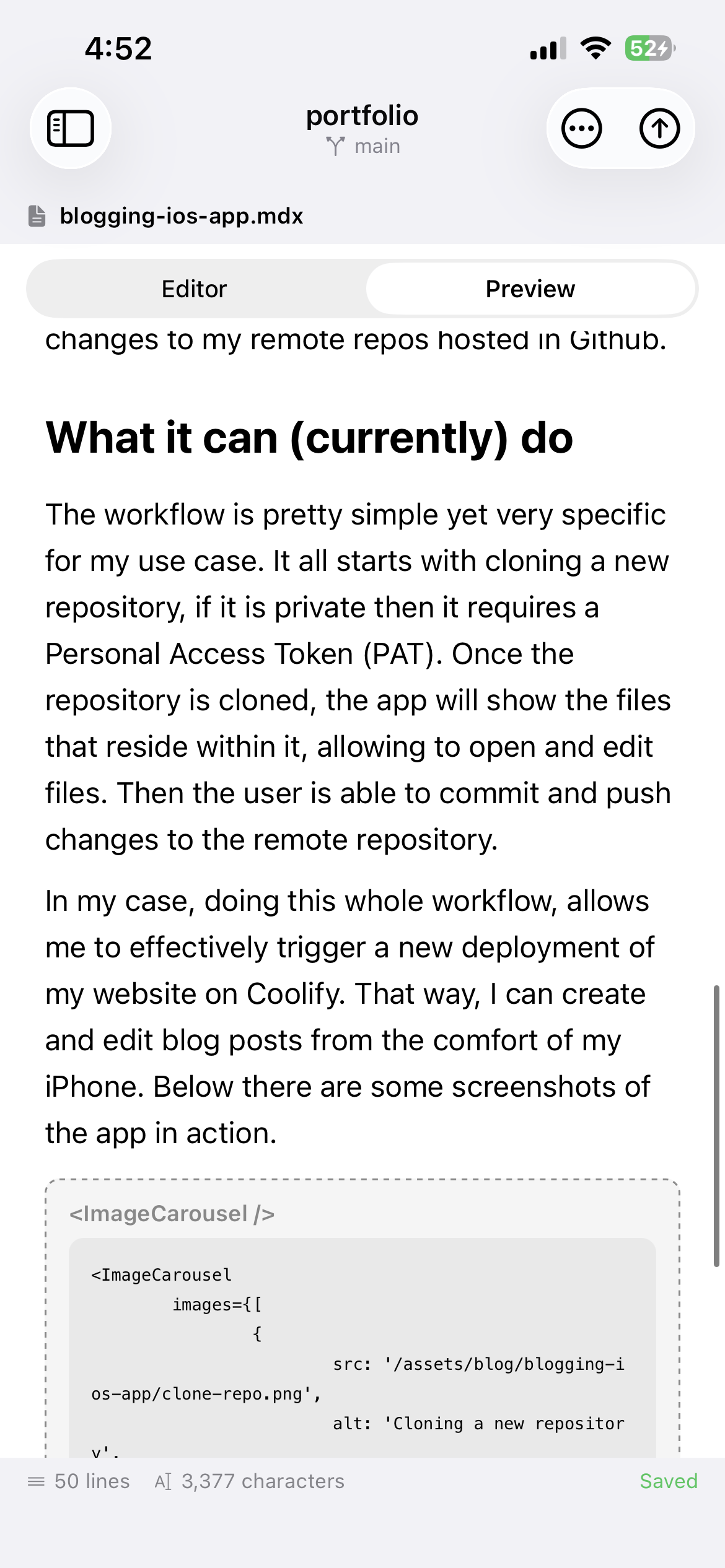
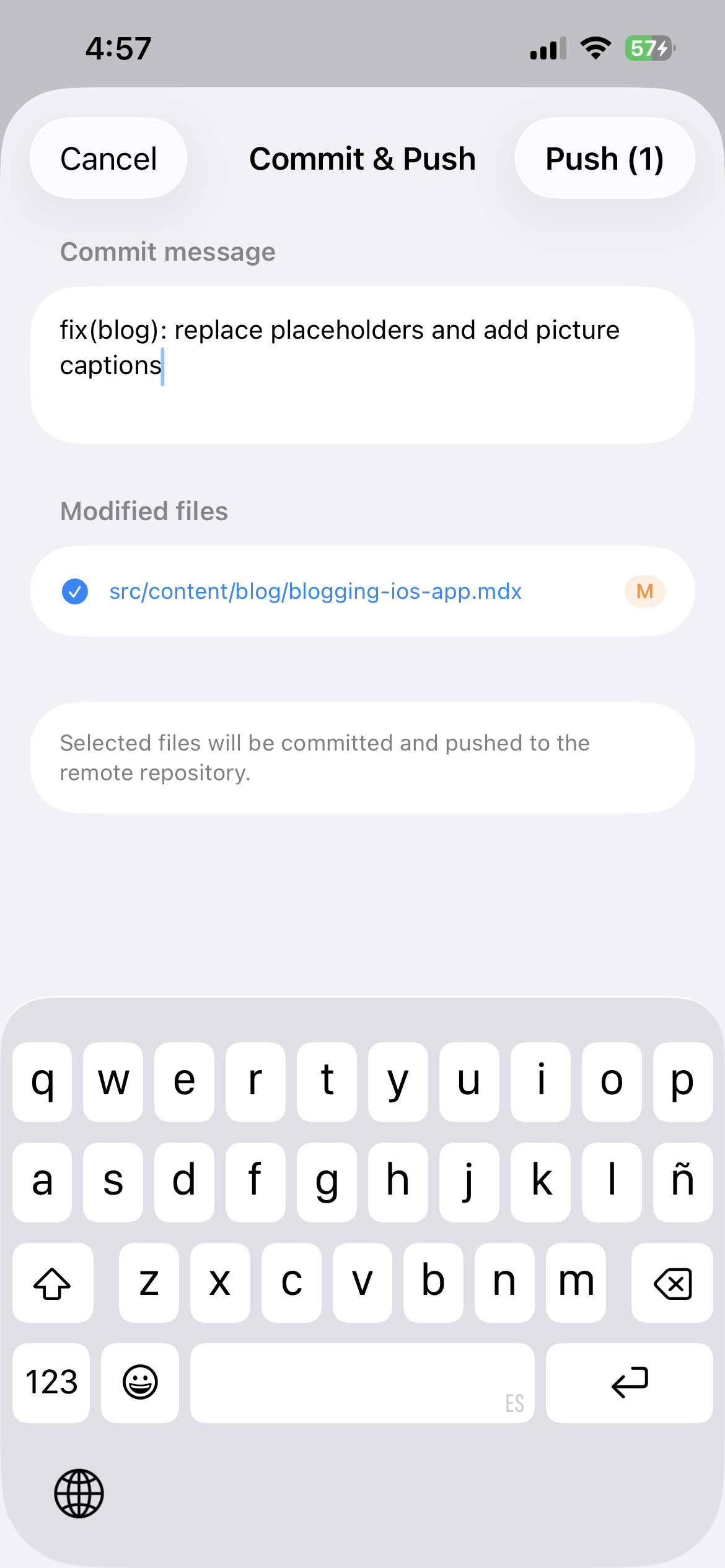
Dinoblogger workflow: cloning the repository, browsing files and editing posts from the iPhone.